Draw a Chinese character to look it up
You can draw a Chinese character to look it up in the Chinese Boost dictionary (词典). Press the pen beside any search box to open the handwriting pad. Possible matches appear beside the drawing square as you write. The pad recognises 9,276 characters.
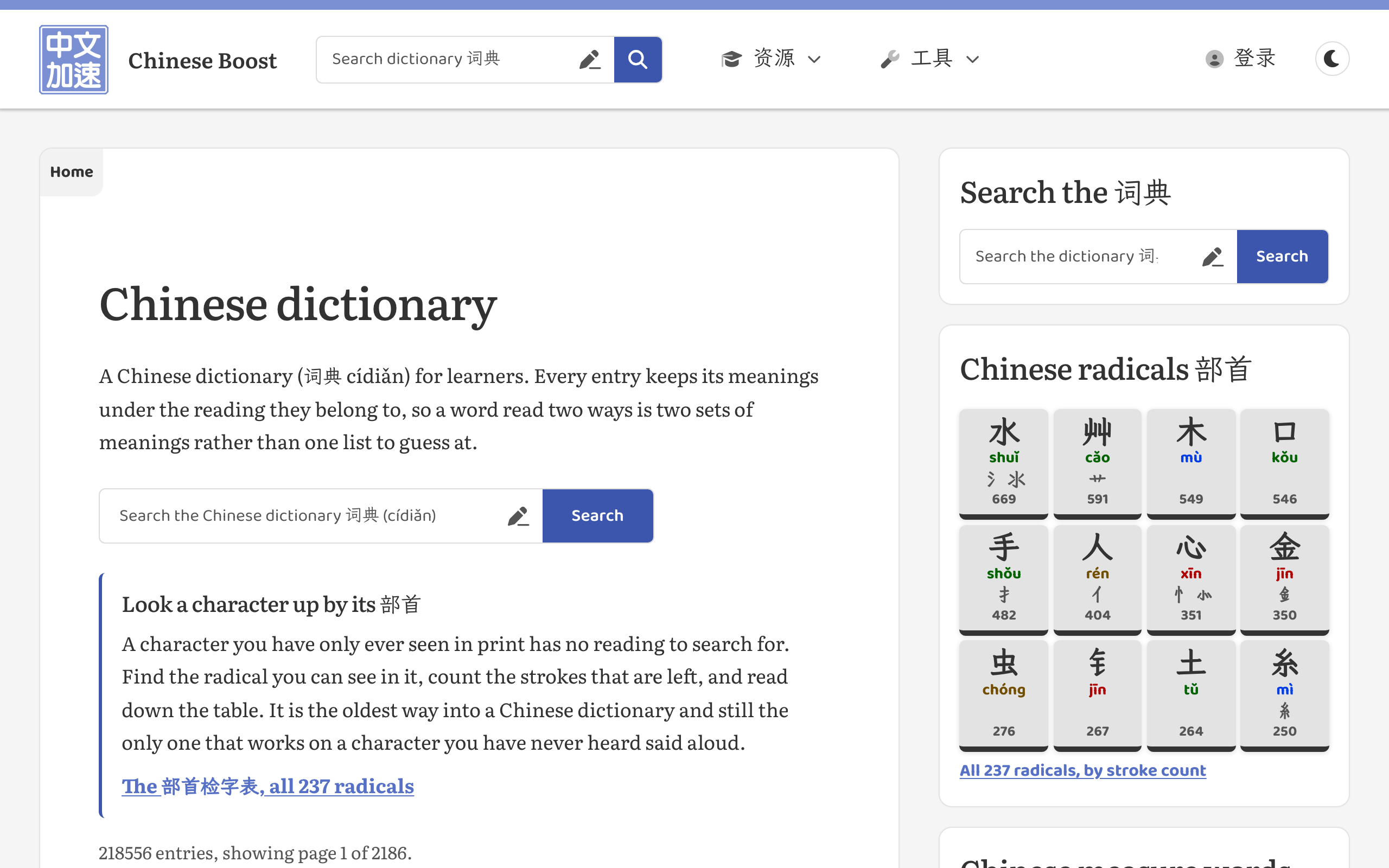
Press a pen button beside a search field to open the handwriting pad.
Choose a character to add it to your search. The pad stays open for the next character. For 汉字, draw and select 汉, then draw and select 字 before pressing Search. The matching depends on stroke order and stroke count, so follow the order you were taught.
You can also use the radical lookup table (部首检字表) to find a character by its radical and the number of strokes left over.